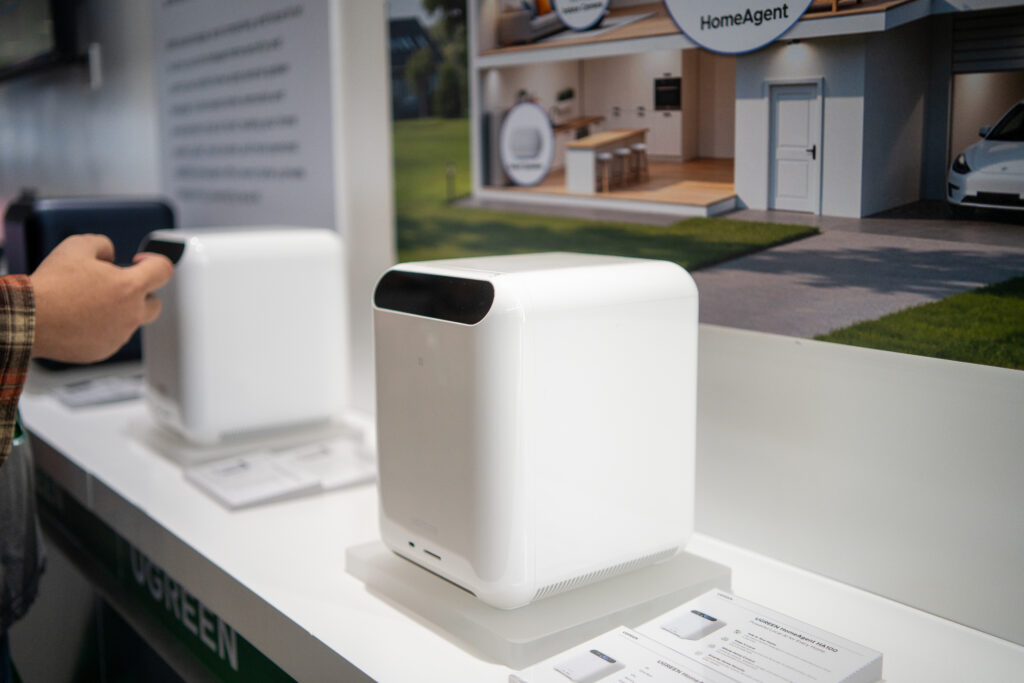
If there’re two things I know for sure these days it’s that AI is virtually everywhere and UGREEN makes reliable tech products. With the amount of pitches I get in my email for AI-powered products from companies I’ve never heard of, I was neither surprised nor particularly excited to get a pitch from UGREEN on adding an AI box to my home.
But stay with me here, because the thesis may actually be the most interesting approach to AI-ifying your personal data. The new UGREEN HomeAgent line is sort of a love child between their NAS products (which I own, and love) and more intelligent home-hacking magic. The approach puts a decently powerful AI agent, locally, into a box in your house that also features hard drives and other infrastructure you may already want or have in your smart home. And it does so without the need to send anything to the big evil data centers in the cloud. Here’s my UGREEN HomeAgent review.
The UGREEN HomeAgent is a local smart speaker on steroids
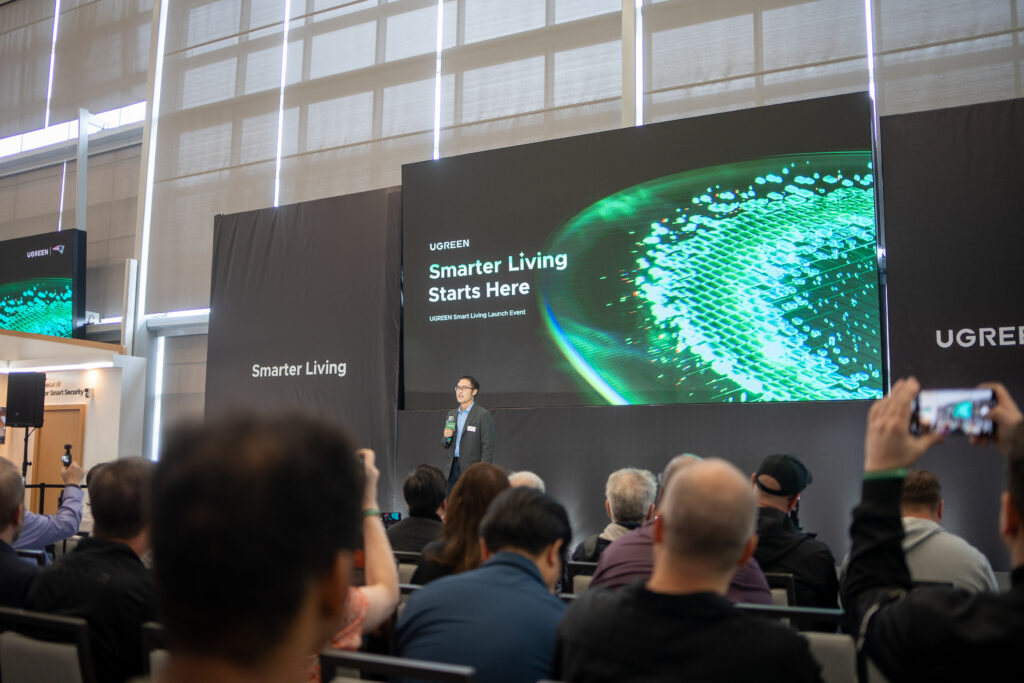
UGREEN invited me out to Foxboro, MA, just a quick drive from where I’m at in Rhode Island, to the home of my favorite football team the New England Patriots. This location seemed strange, and I wasn’t exactly sure why they were launching an admittedly exciting AI product in an NFL stadium. Then I saw that they announced a sponsorship with the Patriots and it kind of made sense. After a fun little stadium tour and some wining and dining (okay, okay, just a buffet lunch), I got down to exploring what the heck the HomeAgent line actually is, and more importantly why we should all care.
The idea is simple. UGREEN already has their line of NASync products, and I actually have the DH4300 Plus UGREEN NAS sitting at my desk right now storing my local Jellyfin server as well as precious family photos. This is all controlled locally using a repurposed Dell SFF PC I use as a home server controlling my Home Assistant stack, plus some extra containers to make my life easier. I’ll get around to writing a story on how I built that soon, but what’s so cool about the HomeAgent offering is that UGREEN is basically trying to sell you something that does everything I just outlined above, in one sleek box where you don’t have to build out your own Linux distro into a hacked-together PC.
Local AI safety in an “AI everywhere” world
A trade-off that I’m constantly making with my own custom server is how much stuff I actually want on it. Most of my stack currently sits locally, with no real open ports to the internet. So technically, I could get Claude MCP loaded on and get similar natural-language control to my server, but that makes me nervous. That makes me rely on Claude’s security and safety approach, and it exposes my system to possible prompt-injection risks.
UGREEN is building a powerful computer into each of the units they announced that is capable of ingesting a local AI model that aims for the same AI-powered functionality you may want and get with a “full-fat,” cloud-based model. The demos I saw in person showed this in action in some interesting ways. Paired with their AI smart cameras and other devices, this AI assistant can locally analyze security video and respond with alarms or notifications if someone you know arrives home or someone you don’t know gets too close to a danger zone. UGREEN also showed off a function that tapped into an always-running living room camera and played back magical “memories” for life moments it had been capturing all along.
If some of this sounds a little alarming, I don’t blame you. I’m not 100% sure if I feel great about an always-on camera in my home—curating what it thinks are important moments I shouldn’t miss. But how much of that reticence comes from the fact that traditionally a cloud service is the one storing and repackaging that footage? If that footage is truly just stored locally, and it’s being analyzed by a local brain that never phones home to an OpenAI mothership, is it better? A little, perhaps, but it’s something you can also dial in to your liking.
In practice, I think the local AI that offers voice control and has a better understanding of where family members often are at various times in a house could be useful and helpful. My Home Assistant automations for my daughter’s bedtime routine, for example, constantly break at all the wrong times and these room-aware features would, in theory, be a little smarter for these applications.
So should you get the UGREEN HomeAgent?
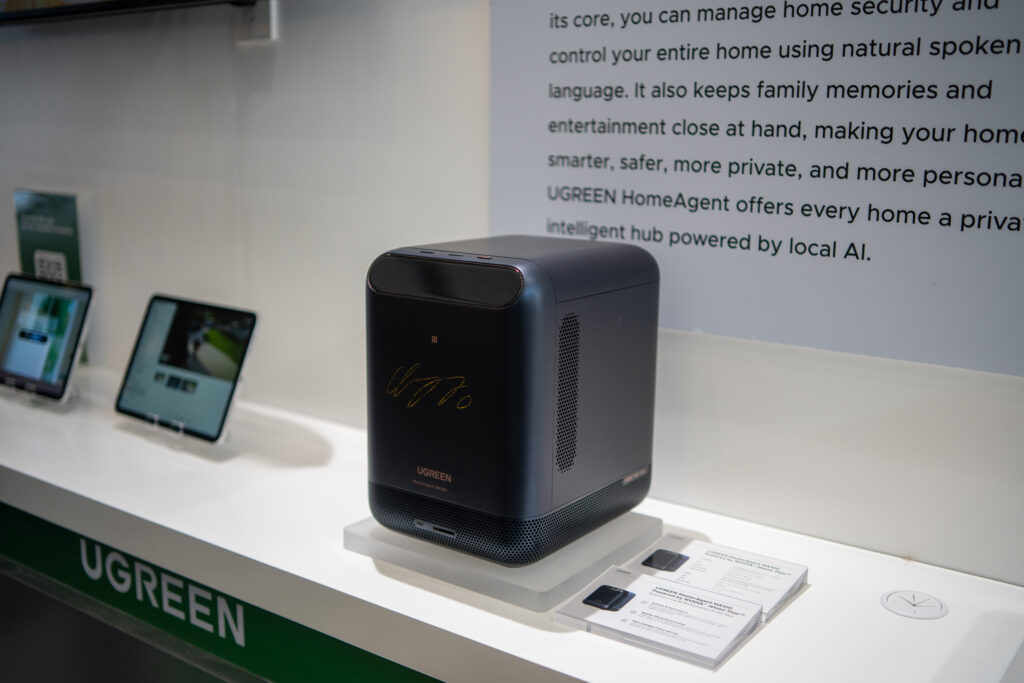
Perhaps one of the most controversial aspects of this launch—at least chatting at the lunch table amongst fellow tech writers—was the price point. If you opt to preorder one of these products, the base-tier HA100 (their least powerful unit) will run you $899. The step up HA100 Pro climbs above $2000. Then there’s the “Master Agent” tier, with the MA100 costing $10,000 at preorder—generously down from an MSRP of $20,000. A few of us joked that this obviously isn’t a real price.
The reasoning for the MA100’s high price tag is its next-gen processor that could theoretically run AI models much more powerfully than the hacked-together local models many of us are used to. Time will tell (i.e. when reviews start coming out) if this is worth throwing money and raw power at the problem. But the HA100 base-tier, if it can do even half of what the demo space I visited was promising, will be a pretty compelling offer.
However, the system doesn’t really make sense if you aren’t willing to also buy a set of smart home gear to bring dimensionality to the setup. You’ll need the UGREEN smart cameras, and you’ll probably want the extra displays and satellite smart speakers to bring control and context to multiple rooms. Theoretically, you could continue to build your own multi-brand setup using something like Home Assistant—the HA series seems to be running Linux, after all. But probably the whole reason you’re buying this is because you want something you can just use out of the box. Similar to the Homey product, it seems the UGREEN is trying to democratize the nerdy hobbyist approach to smart home intelligence. But you’ll pay a premium for that all-in-one convenience.