The review
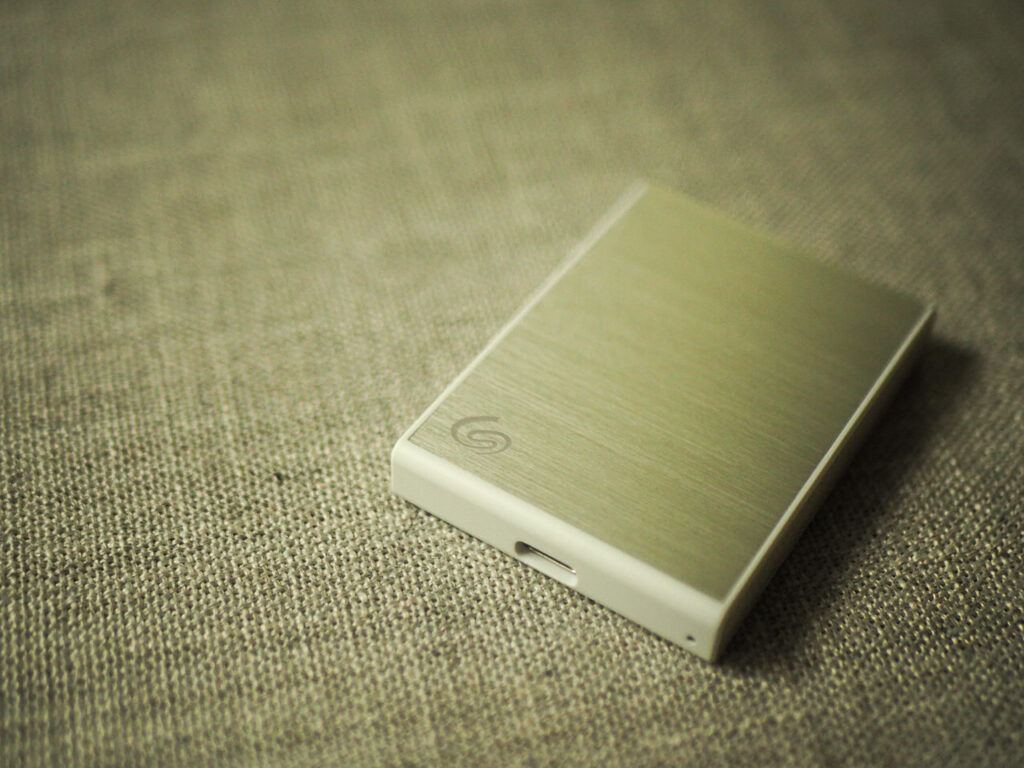
The Seagate One Touch SSD is a unique offering in the portable SSD space. While many manufacturers over-index on functionality and even durability, Seagate’s approach seems equal parts performance and style, with an impossibly small little solid-state drive that does what it needs to do and looks great doing it. For my Seagate One Touch SSD review, I got my hands on the aluminum and white colorway, and I couldn’t not notice how perfectly it pairs with a MacBook Pro, especially if you opted for the silver colorway. It’s got the transfer speeds, it’s got the capacity options, and I’ve got the real-world tests to prove it. If this is what you’re after, just get this drive (if you can stomach the price)
Performance and speed
I had a strong urge to put the fancy design and build quality category first here, but if we’re being frank, you probably want to make sure this drive works for your needs from a storage and transfer speed perspective. On the spec sheet, Seagate has this drive sitting at 1030 megabytes per second. This isn’t the fastest drive I’ve got (my Samsung T9 seems to deliver more reliably consistent speeds at a faster notch), but even for power users, over a GB per second of advertised speed is plenty. It’ll work great for backups and file storage, but you could even use it as a work drive, storing and running project files right on it.
That latter use case is actually how this little workhorse has been getting the most use in our home. I gifted this drive to my wife who is notorious for filling up her laptop’s internal drive to the brim. She’s a podcast and video editor in her spare time, and the Seagate One Touch is a great place for her to store Final Cut Pro and Logic files to run right off of it. Thanks to USB 3.0 connectivity, it feels nearly as snappy as if she was running off her drive. Plus, since we picked up the 2TB model, it’s got plenty of headroom for needs. Again, I’ve seen faster drives out there in this category, but really not that many.
Design and build quality
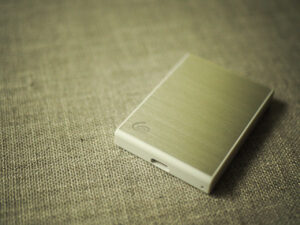
I think the look and feel of this solid state drive is really what makes it shine. The aluminum-finish chassis with nice, textured sides make it look almost like an accessory Apple would have released alongside an iPhone or iPad launch. And that really appears to be by design, considering how much it costs to upgrade storage on a Mac when you purchase it. There are a couple of finishes available for the One Touch, including a deeper gray and a black color — not surprisingly, a perfect match for Apple’s three levels of MacBook Pro finishes.
The One Touch SSD is also impossibly small, measuring just two inches by two and three-quarter inches. This means it’ll fit easily into your pocket or your backpack — taking up less space than the average wallet. It also weighs just 45 grams, meaning it’s nearly invisible stashed in a backpack or camera bag. These size features, paired with its reasonably solid build, make it great for the production setup. It doesn’t offer any sort of clear shock or bumper protection, as it isn’t covered in a thick rubber or anything, so that is a trade off if you’re someone who expects a lot of heavy use in outdoor environments.
Accessories and software
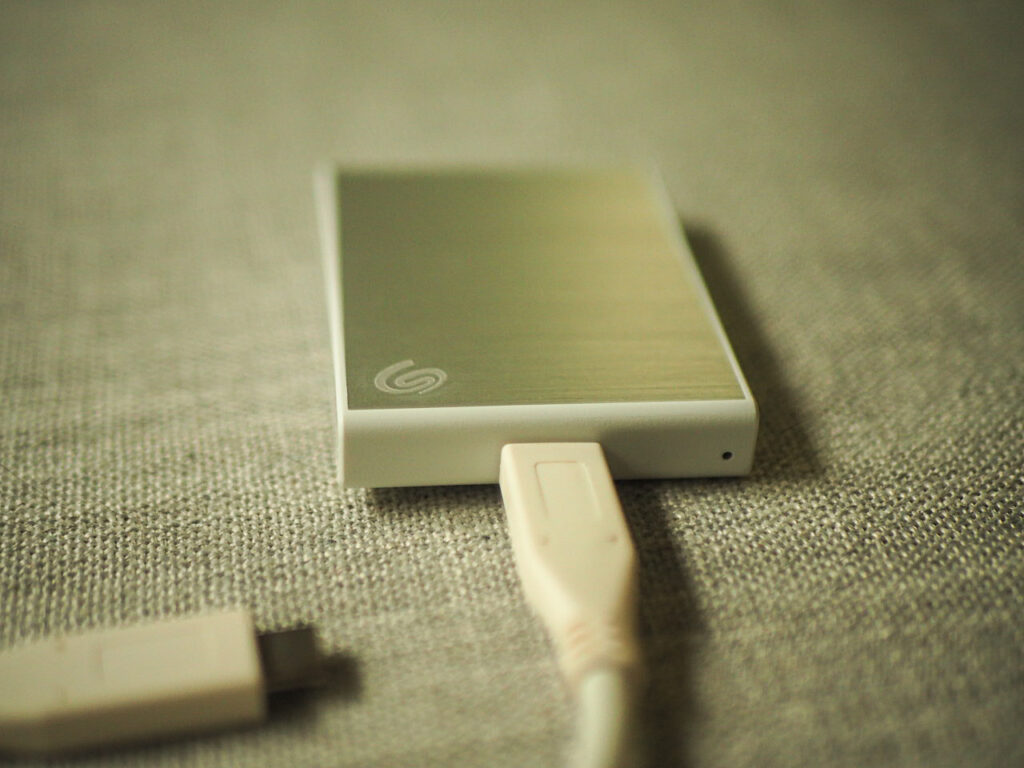
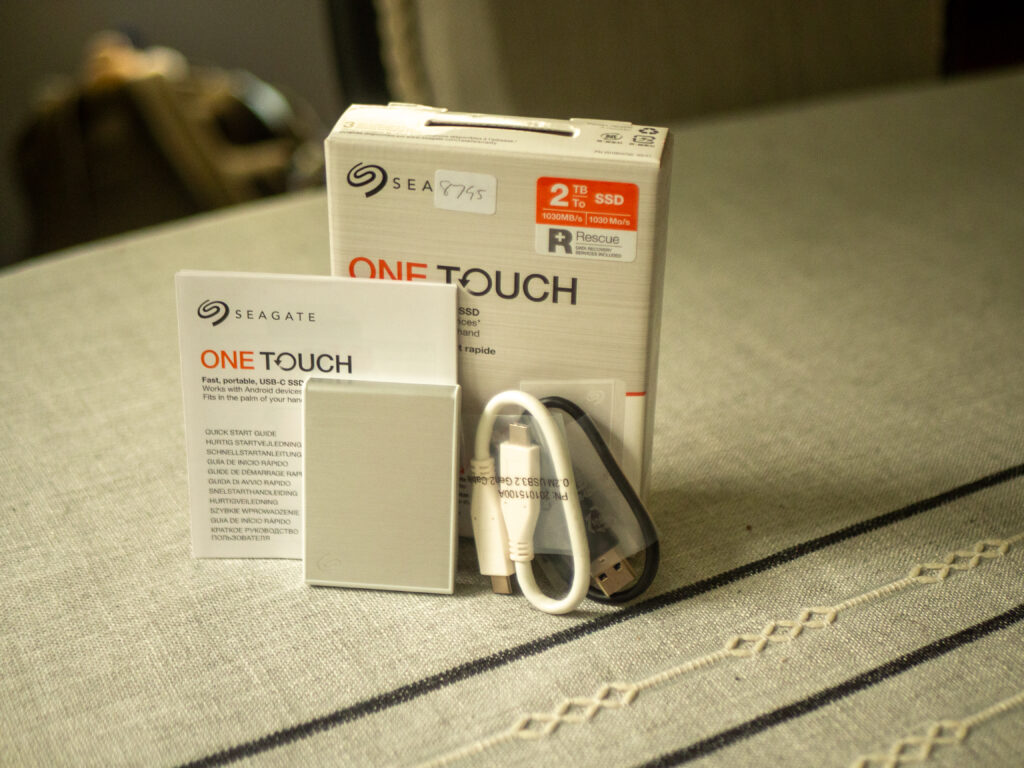
The device itself comes with a pretty barebones package, only featuring some owner’s documents, the hard drive itself, and a tiny, data-rated USB-C cable. This is probably fine for most, but some hard drives feature carrying pouches or extra cables for extra connectivity options. I have my fair share of cables kicking around, many of them rated for even faster transfer speeds, so I wasn’t concerned about the accessory package, but this is an important consideration if this is your first external drive.
Then there’s the software.I’ll be honest, I almost always completely ignore any included software baked into these drives when they arrive. Proprietary backup software and such always end up casualties when I reformat the drive to my exFAT specifications (I like things to play nice between my Mac, my server, and my PCs). If you like software freebies, the One Touch comes with Data recovery services, Seagate’s toolkit software for GUI-based transfers, and a 6-month free subscription to Mylio Photos for some extra cloud organization options. Not a bad package, but again, this is not my use-case.
Price and value
If I’m going to ding the Seagate One Touch SSD for anything, it’s going to be the price. While SSDs tend to swing wildly in price depending on sales and other availability, the best I’ve seen for this model is about $150 for 1 TB of storage. This is admittedly fairly pricey for that capacity level, and if you’re looking for a better deal it can certainly be had elsewhere. My 2 TB model was about $180 when I purchased it, and that was on sale.
This price concern isn’t necessarily a massive deal, especially right now in 2026 when RAM and solid-state storage is kind of expensive everywhere. And let’s be honest, if you want performance and style first (looking at you, Apple fans), then price is probably a secondary concern anyway. But, buyer beware I guess.
Seagate One Touch SSD review: The the Best-Looking Portable Drive for Mac Users? - Get This
This SSD seems made precisely for Apple’s handsome ecosystem, but its performance also hits the mark. All for a price that’s admittedly steep.
Product In-Stock: InStock
4