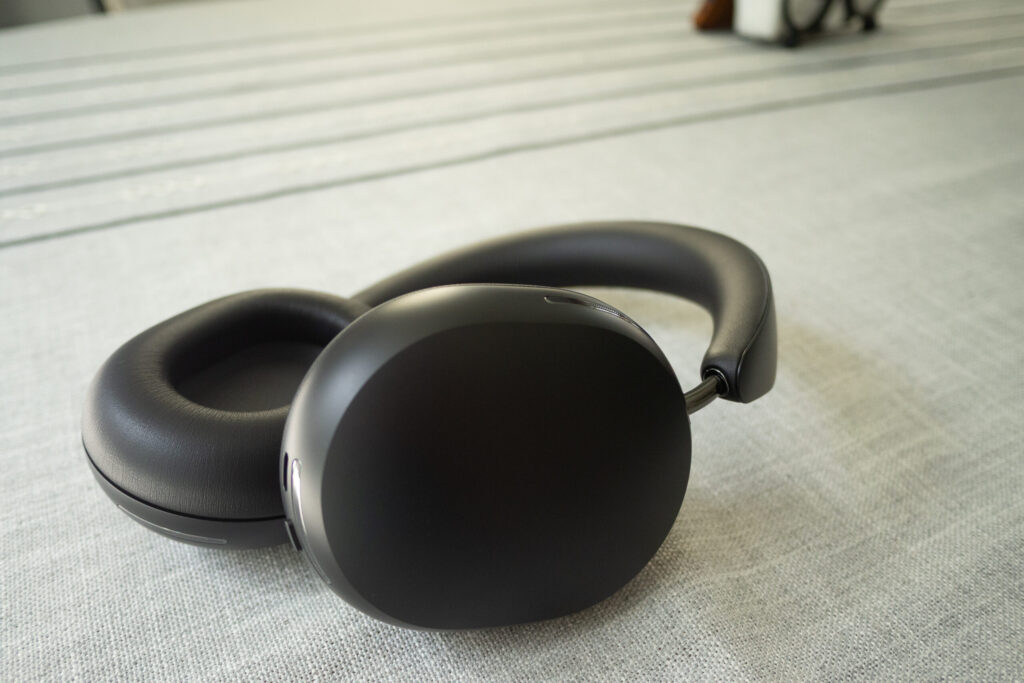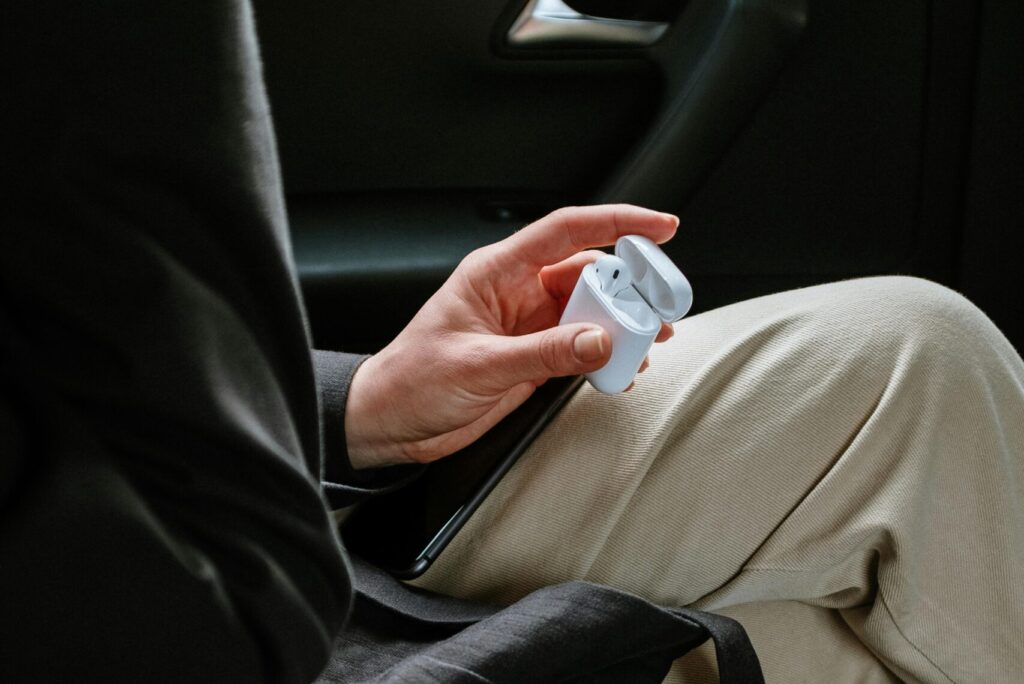
We’ve all been there: We’ve popped in our favorite Bluetooth earbuds and are jumping on an important call. Then suddenly, the other part says “hey, I can’t really hear you. Can you speak louder?” Not only can this be irritating, it can throw you off what you were trying to do on the call. Rather than just rage-disconnect your earbuds, consider that the earbuds may be having software issues, or the hardware isn’t the best for iPhone calls.
There are two key considerations here: Software and hardware. One key factor with how your earbuds sound is how the iPhone actually handles Bluetooth profiles and codecs. If you have modern earbuds, this will likely be pretty seamless, but there are some earbuds that can do it better. It’s also important to note which app you’re using, because different challenges can surface when using Apple’s stock FaceTime or phone app, vs. a third-part service like Zoom. But it may also not be software at all, because some earbuds handle on-board noise cancellation and microphone performance better than others. In fact, we just wrote a roundup of the best Bluetooth earbuds for iPhone calls. But now, let’s get into why you may be having issues.
How iPhone handles Bluetooth microphone audio
It’s important to first consider your iPhone’s actual capabilities when it comes to Bluetooth audio. After all, not all profiles and codecs are created equal. First, what’s a codec? Essentially when Bluetooth transmits audio, it has to compress that audio a bit to lighten the load, and a codec is a fancy word for how that compression is accomplished. High-definition codecs like LDAC or Qualcomm aptX are the gold standard, but iPhone and iOS 26 doesn’t support that protocol. The iPhone’s choice is AAC, which supports pretty solid transfer quality, but if your earbuds don’t have that option, the base-level SBC codec will handle it.
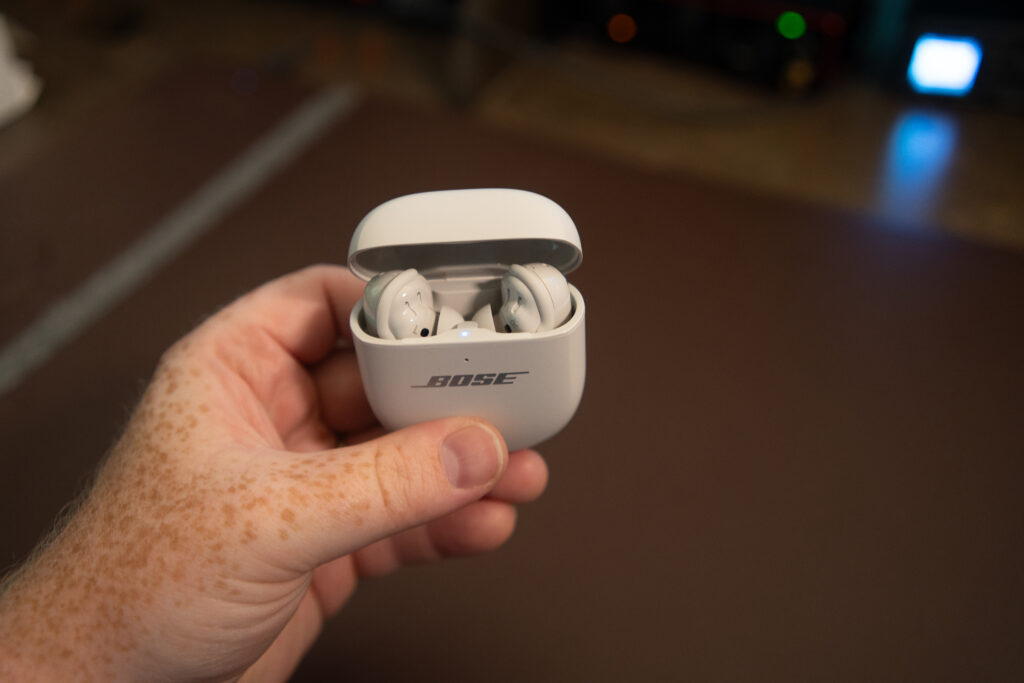
Then there’s the microphone profile and software quirks themselves. Apple uses A2DP (which standard for Advanced Audio Distribution Profile), which is a solid headset configuration. Most modern earbuds including the Bose Quiet Comfort Ultra buds and Apple’s AirPods Pro will support these. This profiles clean, separate microphone audio. If you have earbuds that use different protocols, this may be one reason for poor microphone quality.
It’s also important to head to the settings of any third-party app you may be using to make sure you’ve turned on or off any microphone settings you want. Take Zoom for instance. If you head to Settings and then Audio, you’ll see the option for Noise removal (which is the default) or Original sound for musicians. These both have pros and cons, so consider if the noise reduction is causing too much of a problem on your earbuds, and switch to original sound, or vice versa.
When it’s a hardware limitation, not a bug
There are a lot of ways to tweak audio in the software level of your iPhone, but if you are using earbuds that just don’t do a great job of microphone transmission, then you’re fighting an uphill battle. While we have a separate review for the best earbuds for iPhone calls, we’ll touch on a few important notes here.
First, budget is a big consideration. In our experience, the first corner to be cut with budget earbuds (you know, those earbuds you buy at the gas station) is the microphone. If your calls feel muddy or muffled, it’s likely that the on-board microphone isn’t doing a great job at picking up your voice in the sea of noise that’s out there in the world.
There are a few earbuds that really do a nice job. First, the obvious choice is Apple’s AirPods Pro. Now on their third generation, these earbuds are tuned perfectly to work with iOS 26, and they’ve been quite well-reviewed across the board. My personal favorite for audio calls is actually the Anker Liberty series. While I love Bose QuietComfort Ultra Earbuds (as noted by my review of them), there’s something about how the microphones sit in a noisy environment that’s hard to handle. Soundcore’s Liberty earbuds do a much nicer job of this, and sound pretty good to boot!